The story
Each zone of the house told in renders and plain words, with the choices still open shown side by side. Every meeting starts from the same picture.
One record of the house: its zones, decisions, products, materials, and renders. Shown to each audience as a website: a story for your client, decisions for you, and schedules for the builders.
An esquisse is the architect's first sketch, the one the whole project stays true to.
Between that sketch and the keys, a house lives in a dozen places: drawings, decks, spreadsheets, email threads, and the client's memory of the last meeting. Esquissa keeps it in one place, and keeps everyone looking at the same house.
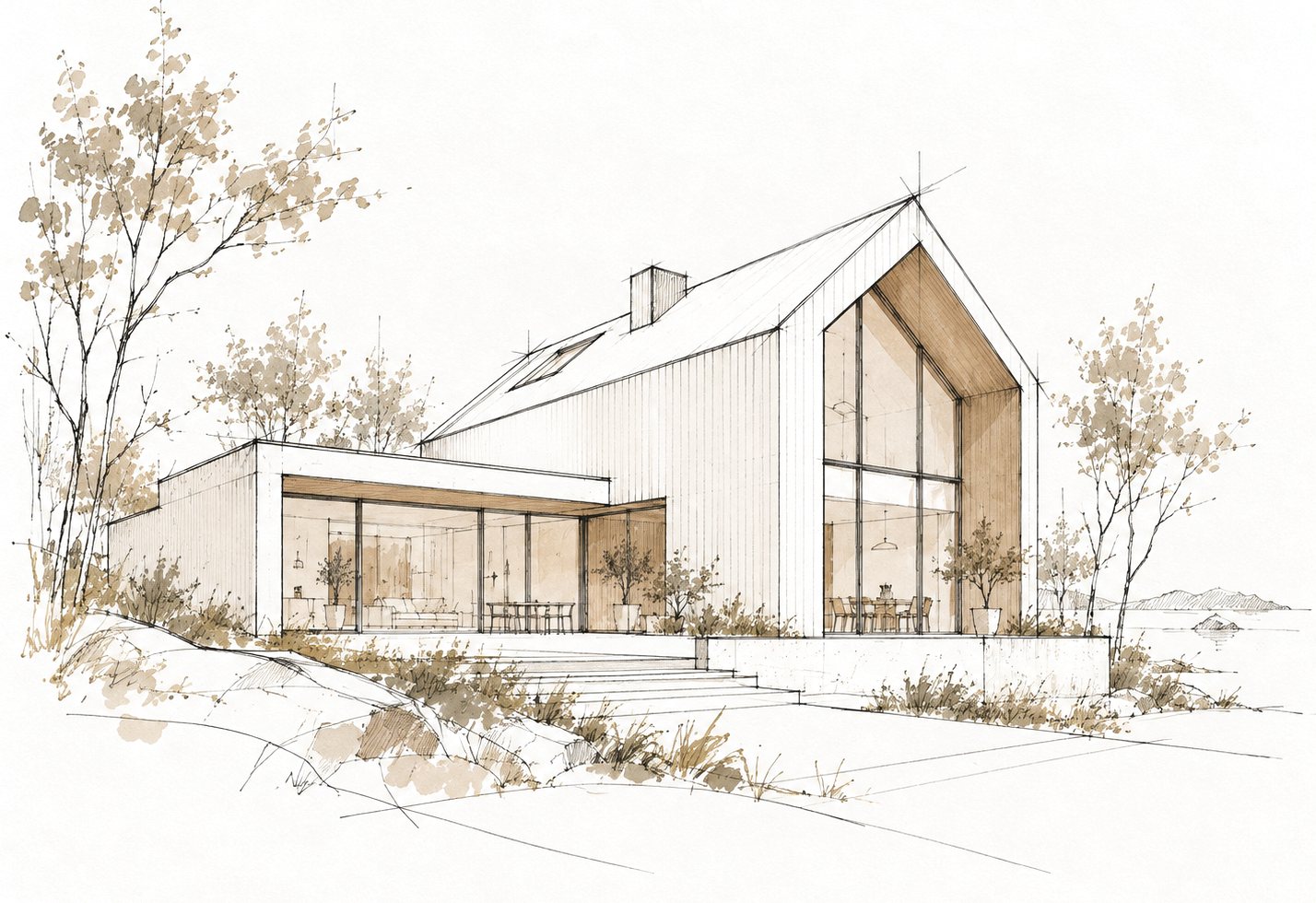
Each zone of the house told in renders and plain words, with the choices still open shown side by side. Every meeting starts from the same picture.
Every open issue with what it is, why it matters, when it's due, and who decides. Your client marks where they lean; you see it before the meeting, not during it.
Every product and material with its manufacturer, model, and spec link, or an honest "Not known yet." Plans and drawings to download, each with the date it last changed.
A project opens on its floor plan. Click a room to read its zone: the story, the renders, the options, and the products that go in it.
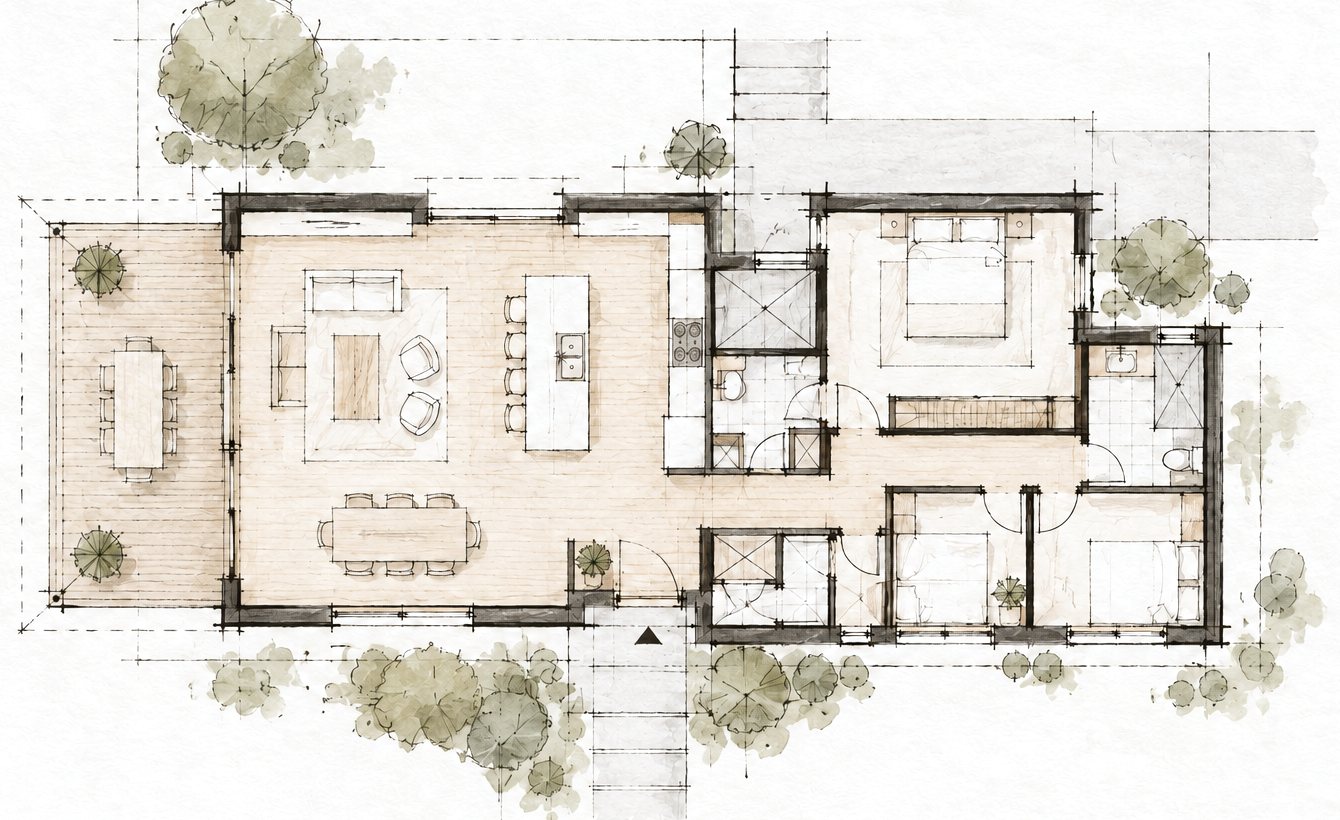
Each dot is a room. Click or tap one to open it.
| Item | Manufacturer and model | Spec | |
|---|---|---|---|
| Faucet | Maker · model | Spec | Chosen |
| Induction cooktop | Maker · model | Spec | Chosen |
| Pendant lights | Not known yet | Option |
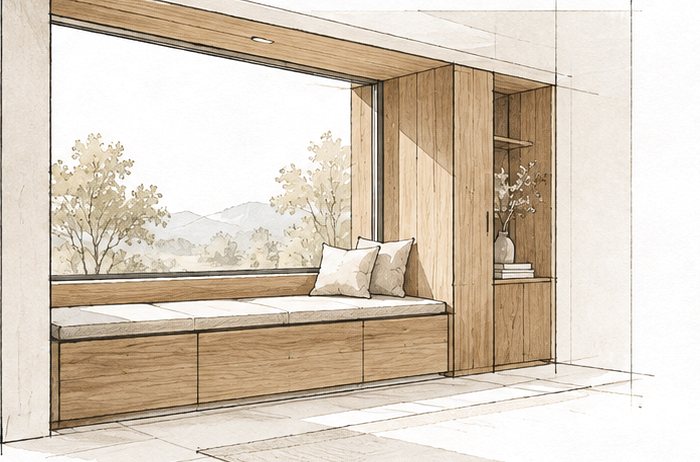
Swap a render, settle a choice, or add a product right on the page. Your client sees it the next time they look.
Setting up is the same: add your plan, mark the rooms on it, and click a room to fill it in. Your client sees the same page, without the edit controls.
A project is a folder of plain files that you own. Every page is a view of them, so nothing is lost when the page changes.
Every topic shows whether it's open, leaning, or decided, and when it was settled. You and your client read the same list, so every decision is one you can point to.
Every product and material names its manufacturer, model, and spec link, or says plainly that it isn't known yet.
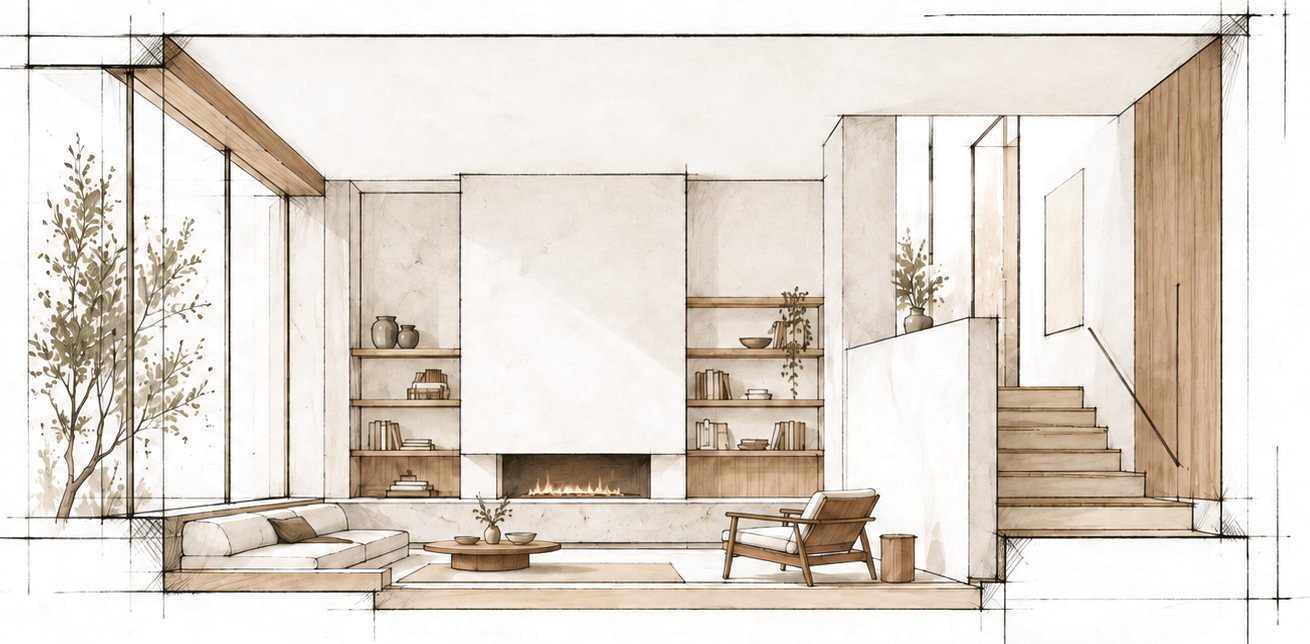
We're working with a small number of architects to shape Esquissa around real projects.
Tell us about yours, and we'll set it up with you.
Or write to info@esquissa.com